



How to Find Your Chassis Number Online

Your chassis number, also known as the Vehicle Identification Number (VIN), is a unique 17-character code that identifies your car’s origin, make, model, and more. Although many drivers know they need their VIN for paperwork, finding it online isn’t always straightforward. This step-by-step guide, complete with practical tips, a flowchart, a comparison table, and more, ensures you can locate your chassis number quickly and confidently.
Understanding the Chassis Number (VIN)
What Is a Chassis Number?

Every vehicle manufactured since 1981 has a standardized 17-character code known as the chassis number or VIN. This alphanumeric code serves as your vehicle’s fingerprint:
-
World Manufacturer Identifier (WMI): First 3 characters, indicating manufacturer and country of origin.
-
Vehicle Descriptor Section (VDS): Characters 4–9, describing the vehicle model, body style, and engine type.
-
Vehicle Identifier Section (VIS): Characters 10–17, denoting year, assembly plant, and serial number.
Together, these 17 characters convey essential information about your car’s history, features, and production details.
Why You Need Your Chassis Number
Your chassis number is crucial for a variety of reasons:
-
Vehicle Registration: Required by the DMV for titling and registration.
-
Insurance Quotes: Insurers use the VIN to assess value and risk.
-
Recall Notices: Manufacturers notify owners of recalls based on VIN ranges.
-
Service & Maintenance: Dealerships track warranty coverage and service bulletins using the VIN.
Understanding the structure and importance of your chassis number sets the stage for finding it online with confidence.
Step 1: Access the Manufacturer or DMV Website
Identifying the Official Website
Begin by determining whether to use your vehicle manufacturer’s official site or your local DMV’s online portal. Manufacturer sites often provide VIN lookup under “Owner Services,” while DMVs list it under “Vehicle Records,” “Title & Registration,” or similar headings.
Creating or Logging Into an Account
Most online VIN lookup tools require you to have an account:
-
Choose Register or Sign Up if you haven’t already.
-
Provide your full name, email, and sometimes driver’s license number.
-
Confirm via the verification email link.
-
Log In with your credentials.
Once logged in, navigate to the section dedicated to vehicle information.
Step 2: Navigate to Vehicle Information or Lookup
Locating the VIN/Chassis Lookup Tool
After logging in:
-
Look for menu items labeled “Vehicle Information,” “Vehicle Lookup,” or “My Vehicles.”
-
On manufacturer sites (e.g., Ford, Toyota), check under “Owner Services.”
-
On DMV portals, it might be under “Title & Registration,” “Vehicle Records,” or “Online Services.”
Common Menu Paths (Manufacturers vs. Government)
| Website Type | Typical Menu Path |
|---|---|
| Manufacturer | Owner Services → VIN Lookup → Enter Details |
| DMV/Government | Online Services → Title & Registration → Vehicle Records |
| Third-Party Portal | Search VIN → Enter license plate or VIN |
Navigating the correct menu ensures you reach the lookup feature without unnecessary clicks.
Step 3: Enter Vehicle Details
Required Information (VIN, License Plate, Registration)
To retrieve the chassis number, you typically need to supply one or more of the following:
-
17‐digit VIN (usually stamped on the dashboard or door jamb).
-
License Plate Number registered to the vehicle.
-
Registration Certificate Number (found on your physical registration).
Accuracy Tips and Error Handling
Entering the correct details is vital. Follow these tips:
-
Double-check each character; letters like I, O, and Q can be mistaken for digits.
-
Use uppercase where required; some systems are case sensitive.
-
If you receive a “Vehicle not found” error, verify you’re using the latest registration data.
Case Sensitivity and Formatting
Systems vary in their tolerance:
-
Always use uppercase letters for VIN.
-
Include any leading zeros in plate numbers.
-
Omit special characters unless explicitly required.
Step 4: Retrieve and Verify Your Chassis Number
Viewing in the Dashboard or Report
Once your details are accepted:
-
Your chassis number appears under “Vehicle Details” or “Vehicle Information.”
-
Some sites display it as “VIN/Chassis No.” with the full 17-character string.
-
Verify that the sequence matches your physical VIN on the vehicle.
Downloading or Saving the Information
-
Select “Download Report” or “Save as PDF” if available.
-
Otherwise, take a screenshot of the section or copy and paste into a secure document.
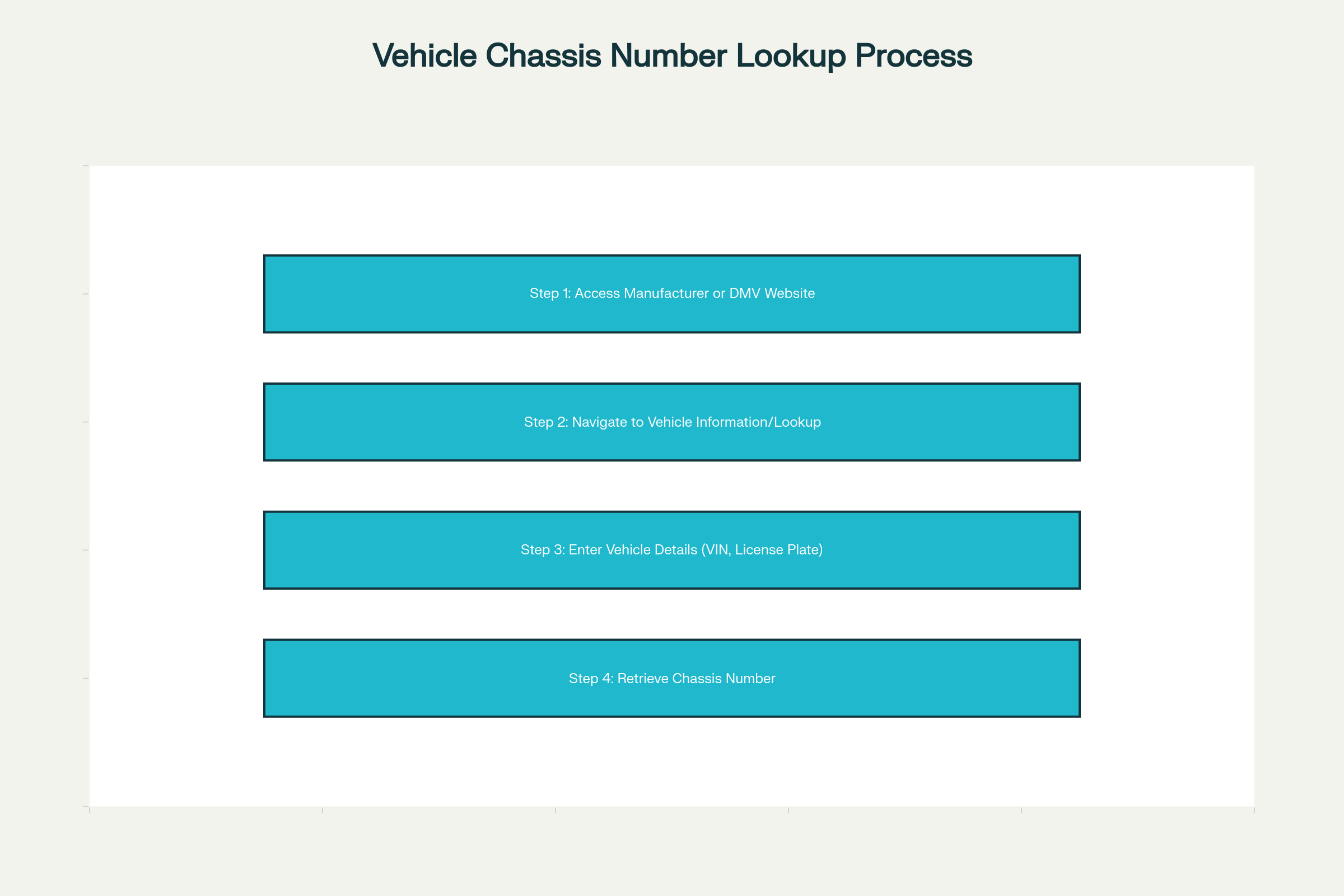
Flowchart: Four Steps to Find Your Chassis Number Online
![Flowchart of the four steps to find a chassis number online]
Troubleshooting Common Issues
“Vehicle Not Found” Errors
If you encounter an error:
-
Confirm you’re on the correct official site.
-
Verify spelling, case, and format of all entries.
-
Ensure your vehicle registration is active and up to date.
Account Verification Problems
-
Check your spam or junk folder for verification emails.
-
If email link has expired, request a new verification email.
-
Contact customer support via online chat or phone for manual verification.
Using Third-Party Services (e.g., AME Motorsport)
Paid vs. Free Services
| Feature | Manufacturer/DMV (Free) | AME Motorsport (Paid) |
|---|---|---|
| Official Records | ✔️ | ❌ |
| Additional Vehicle Specs | Limited | ✔️ |
| Performance Upgrades | ❌ | ✔️ |
| Price | Free | Varies by package |
Data Privacy Considerations
-
Paid services may collect additional personal data.
-
Always review the privacy policy before sharing sensitive information.
-
Manufacturer and DMV portals typically adhere to government data security standards.
Tips for SEO Optimization When Searching
Best Keywords to Use
-
“Find chassis number online”
-
“Lookup VIN by license plate”
-
“Vehicle chassis number retrieval”
-
“VIN lookup tool [Your State/Brand]”
Avoiding Scams and Phishing Sites
-
Look for HTTPS and a lock icon in the browser address bar.
-
Verify domain names match official manufacturer or DMV URLs.
-
Avoid sites requiring unnecessary downloads or prepaid gift cards.
Summary and Next Steps
To locate your chassis number online, follow these four steps:
-
Access the official manufacturer or DMV portal and log in.
-
Navigate to the vehicle information or lookup section.
-
Enter accurate vehicle details, including VIN or license plate.
-
Retrieve, verify, and save your chassis number.
With this process, you’ll ensure accurate retrieval of your vehicle’s unique identifier without leaving your home. Once you have your chassis number, you can proceed with registrations, insurance, recalls, or any service needing verified VIN information.